Saved

Hey,

Here's your training overview.

TRAINING CALENDAR
Pre-Made Programs
Loading programs...

Add Planned Workout

Title
Date
Time
Type
Notes
Repeat
RPE — Rate of Perceived Exertion
10Max effort — nothing left
9Near failure — 1 rep left
8Hard — 2 reps left
7Moderate — 3 reps left
6Comfortable — 4+ reps left
5 or lessEasy — lots left in the tank
TEMPO — How to read it
1st digitEccentric (lowering phase)
2nd digitPause at bottom
3rd digitConcentric (lifting phase)
4th digitPause at top
Example: 3-1-2-03s down, 1s pause, 2s up, no pause
XExplosive / as fast as possible
Add to Home Screen
Use Rest Period like a native app — no App Store needed.
1
Open restperiod.org in Safari (must be Safari, not Chrome)
2
Tap the Share button at the bottom of the screen (box with arrow pointing up)
3
Scroll down and tap "Add to Home Screen"
4
Tap "Add" in the top right corner
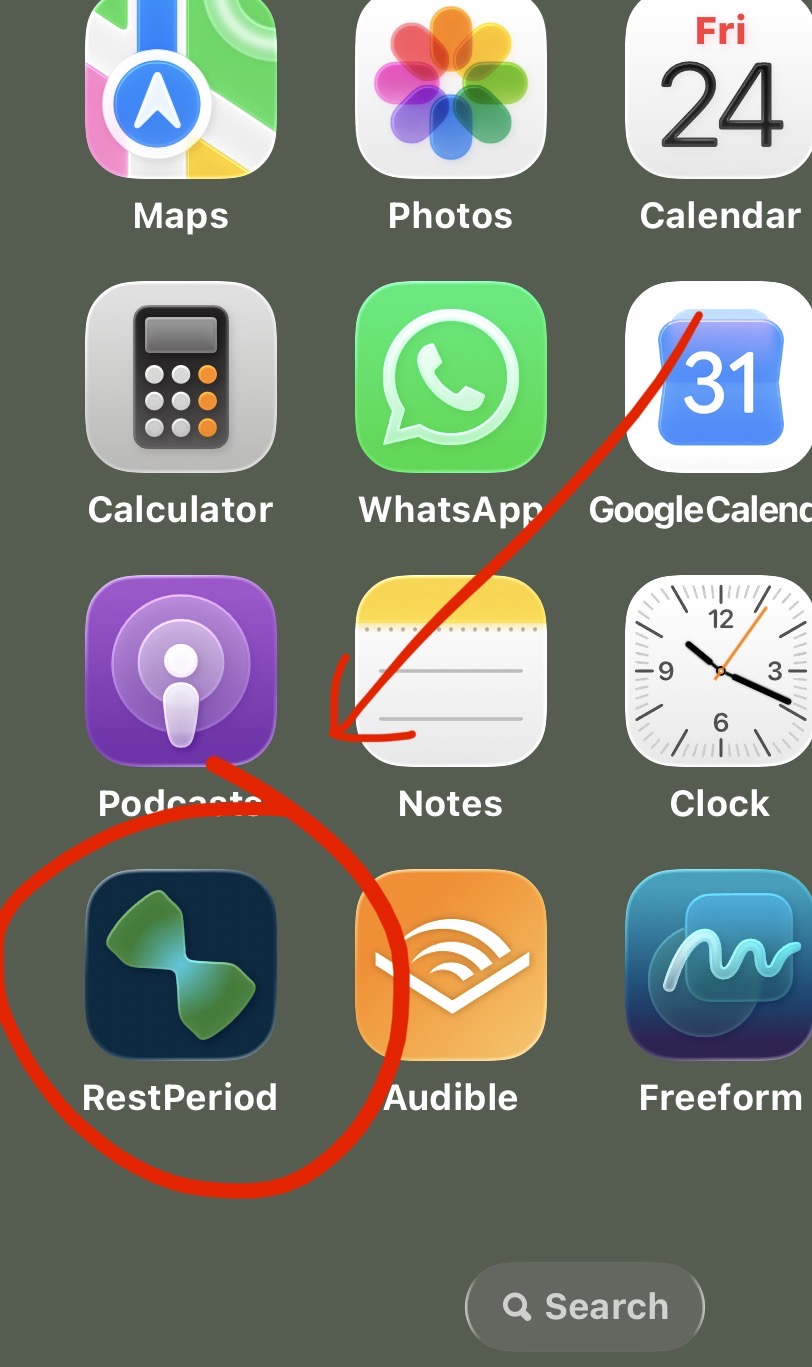
Add to Home Screen
Change Password
Settings
Subscription
Loading...
Account
Password
Danger Zone
Log out